Local projects
Create projects for videos you want to trim and keep simple editing work organized on your device.
Trim Forge is a practical video trimming app for creating short clips from longer recordings. Mark the parts you want to keep, preview the result, and export back to Photos.
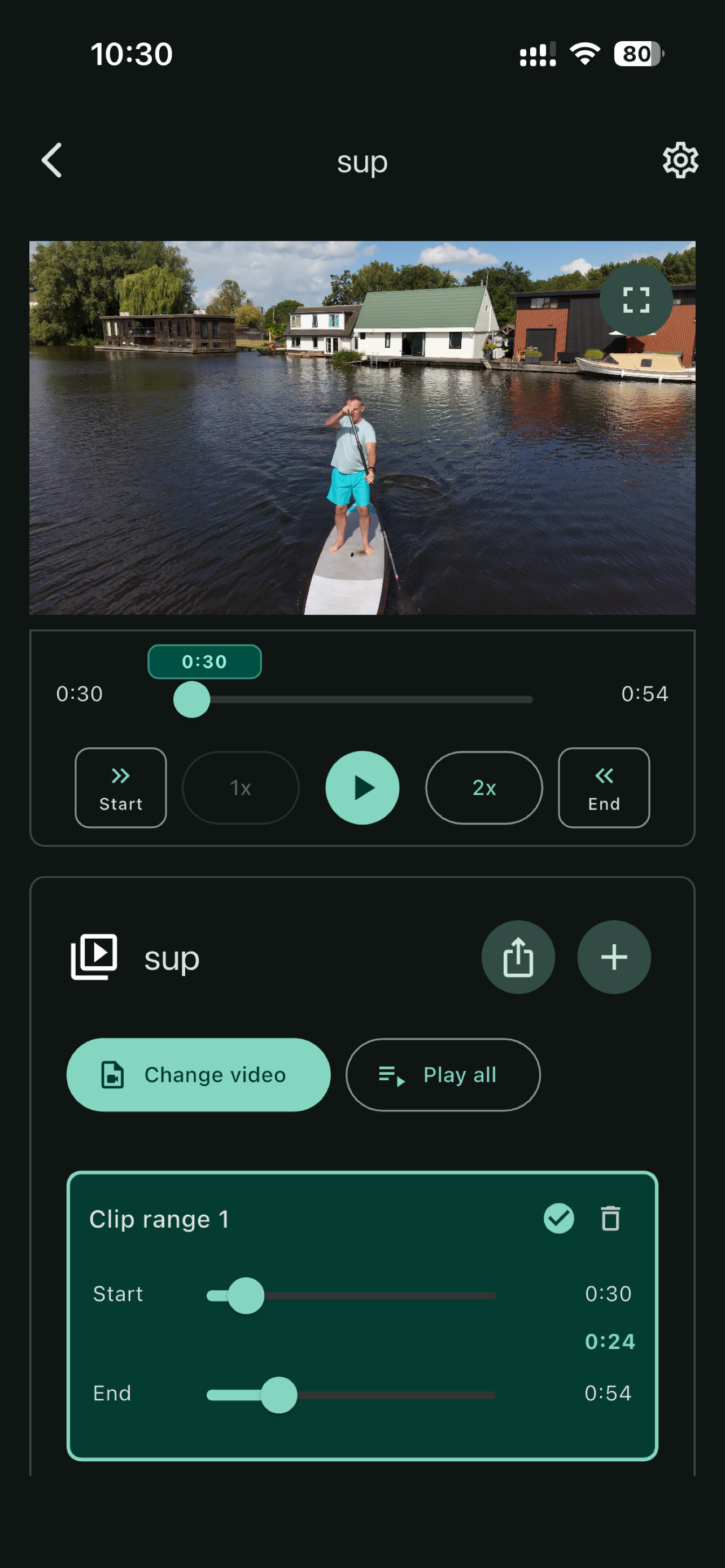
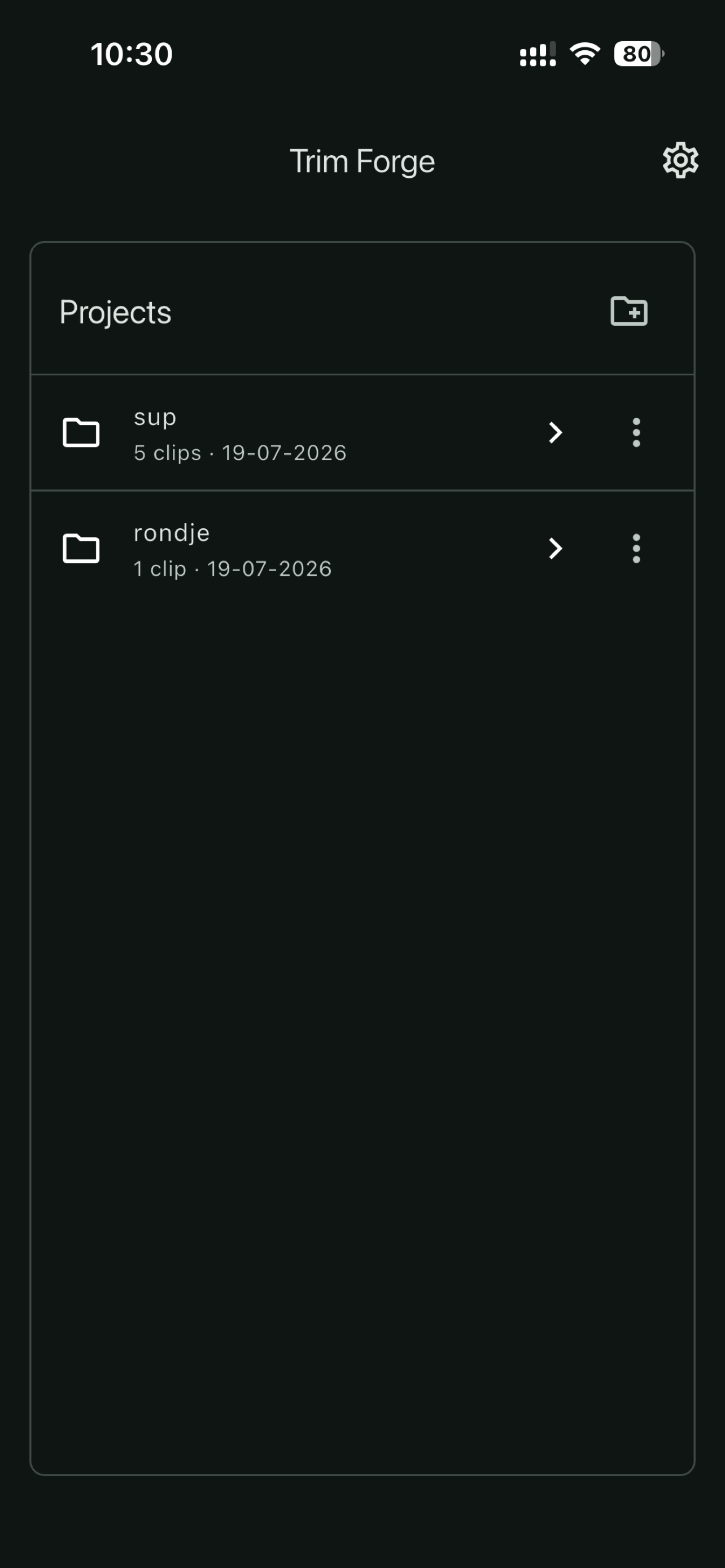
Create organized trimming projects, keep only the ranges that matter, and export clips without setting up a full editing timeline.
Create projects for videos you want to trim and keep simple editing work organized on your device.
Add one or more ranges, set precise start and end points from the preview, and play selections in sequence.
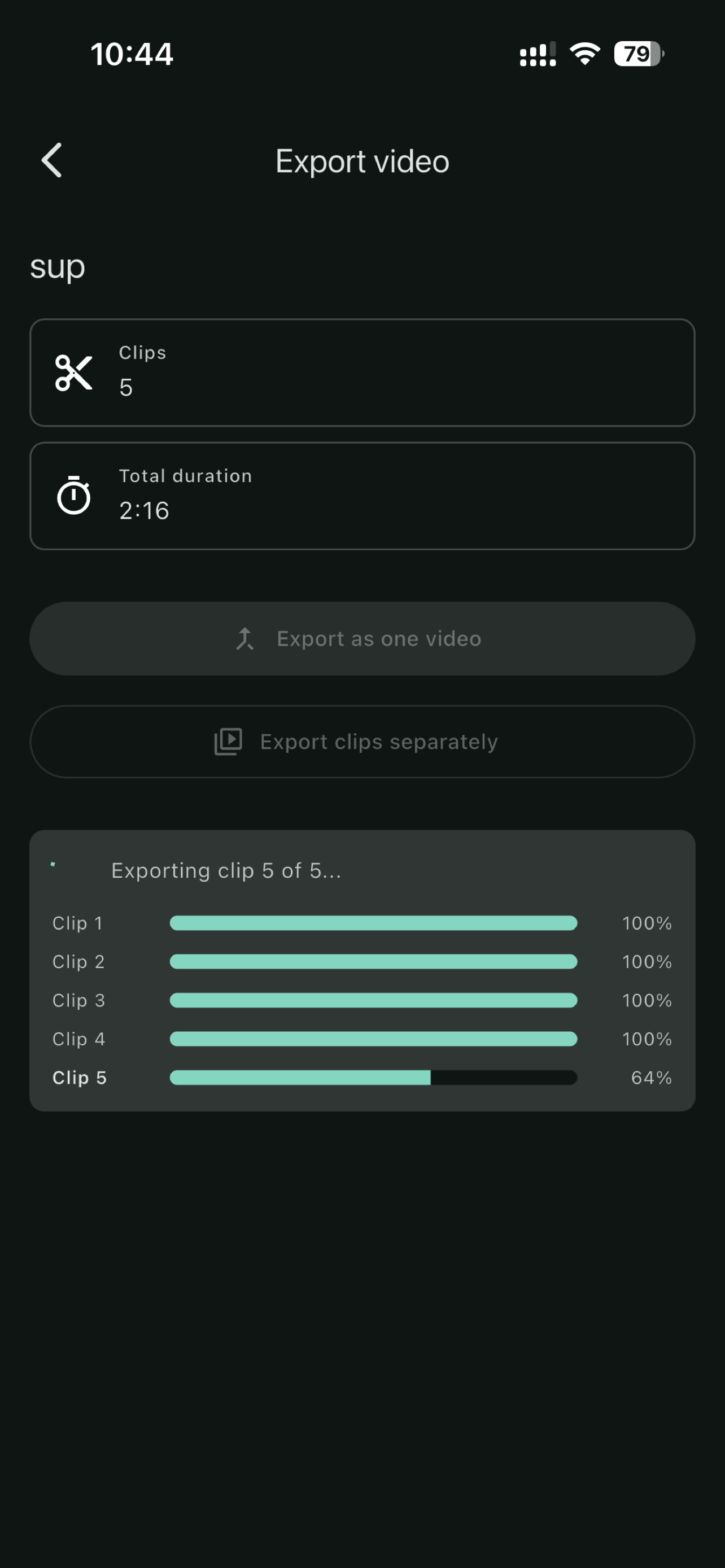
Export selected ranges as one combined video or save each range as a separate clip in Photos.
Trim Forge always uses lossless copy export. Export support depends on the source video format and the device.
Choose a video, mark the useful parts, preview the result, and save clean clips back to your photo library.
Start with a video from your photo library and keep the project data stored locally.
Use the video preview to set clip start and end points for highlights, takes, or shorter segments.
Save the result to a Trim Forge album as separate clips or as one combined video.
Trim Forge does not require an account and does not send your videos to a server.
Project metadata is stored locally on your device.
The app requests access so you can choose source videos and save exported clips back to Photos.
Your videos are not uploaded to a Trim Forge backend for trimming or export.